Choir planning, made calm
Every voice.
The right place.
Jari turns a roster into a clear, balanced formation — in a few quiet movements.
Sample roster · fictional data
01 · See Jari in use
Everything
in one view.
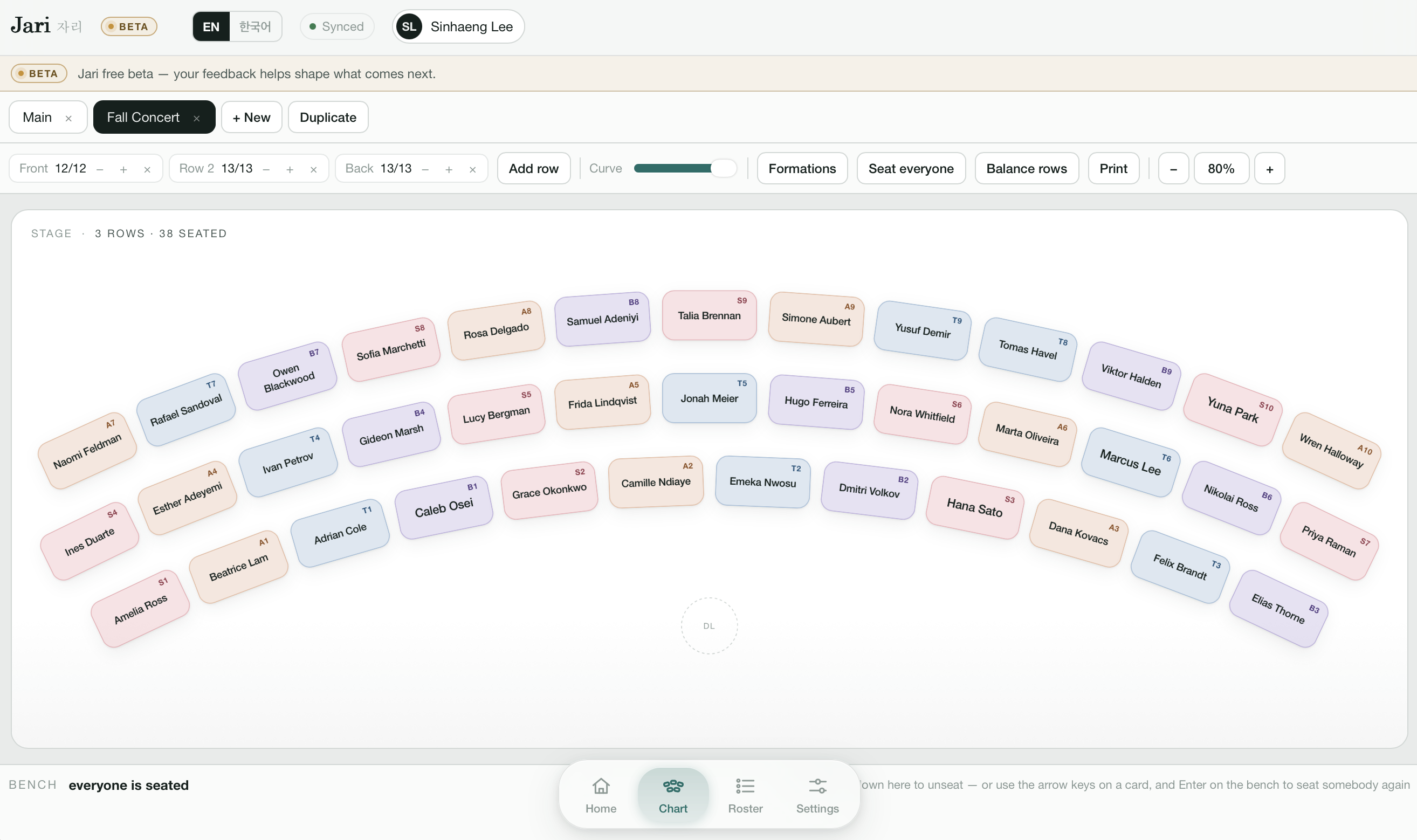
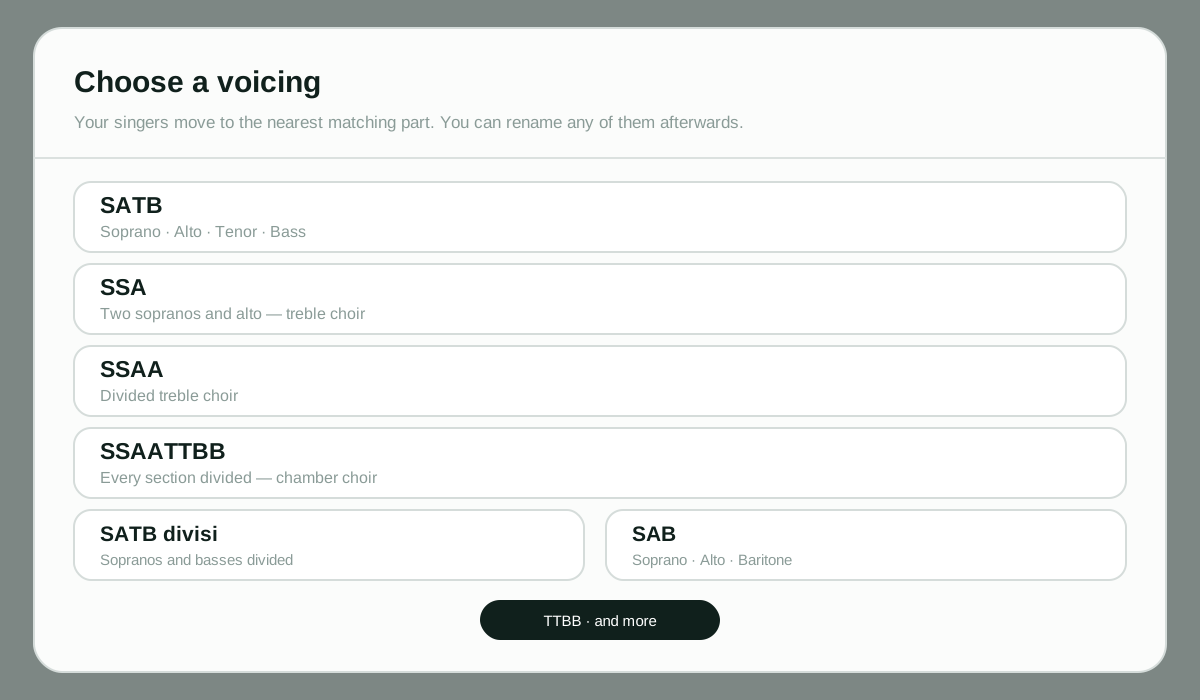
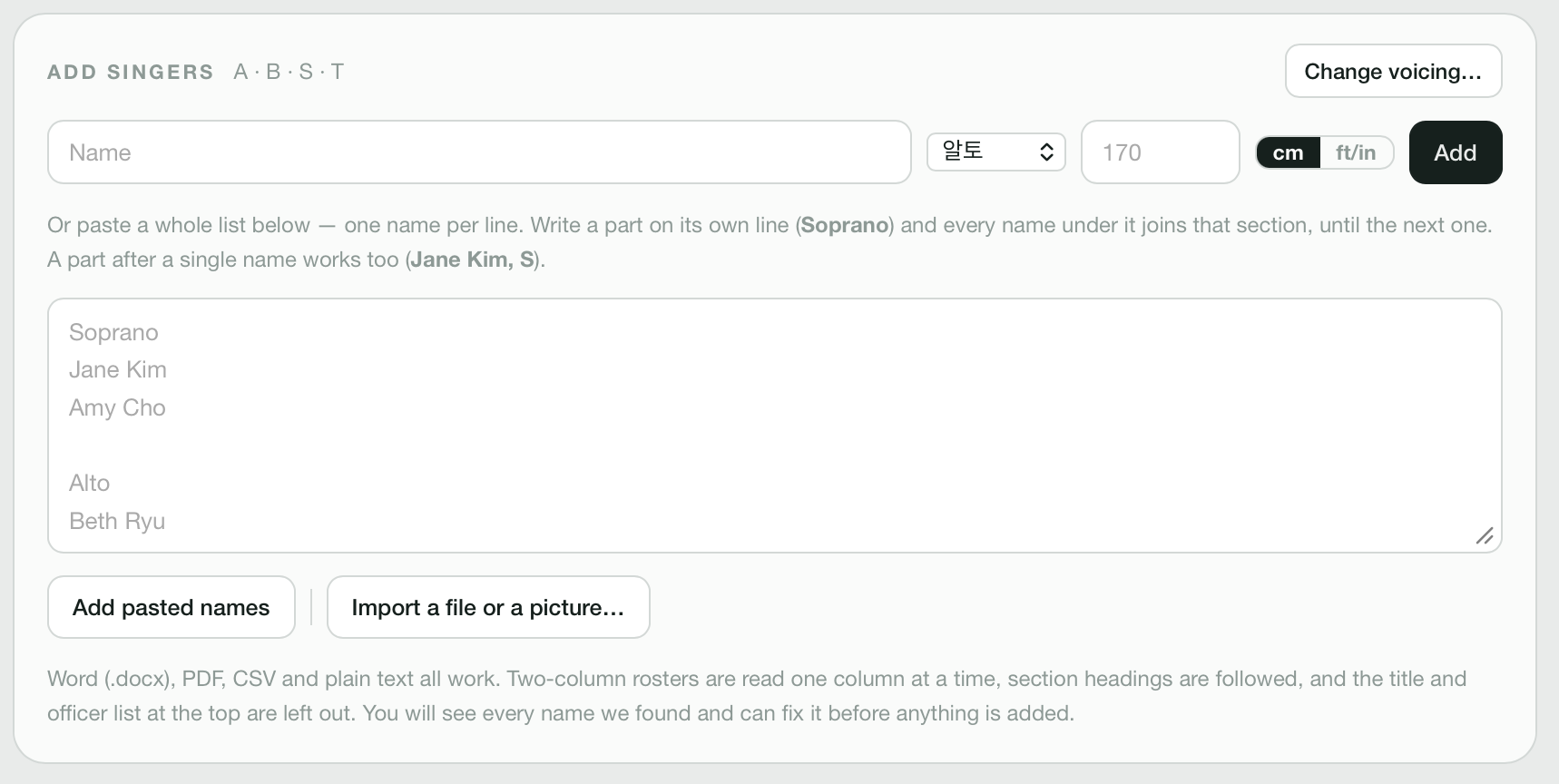
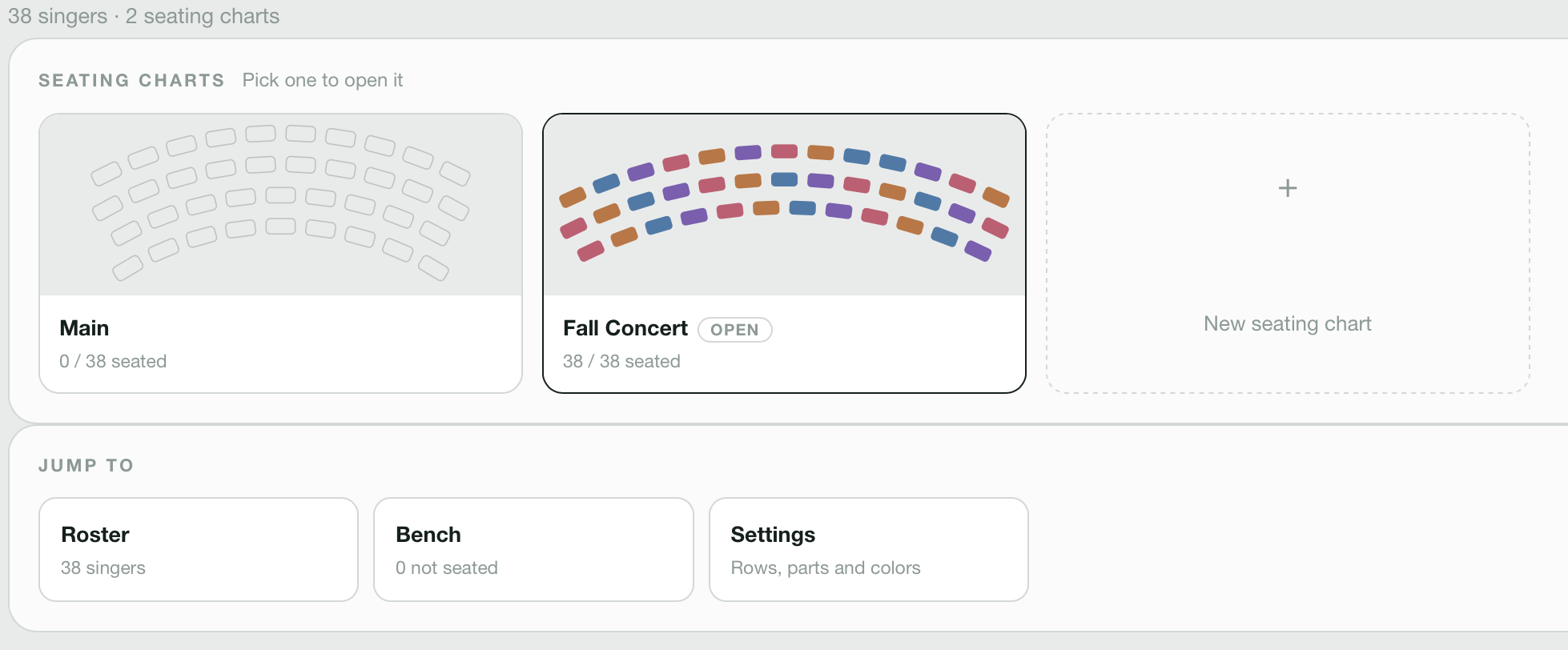
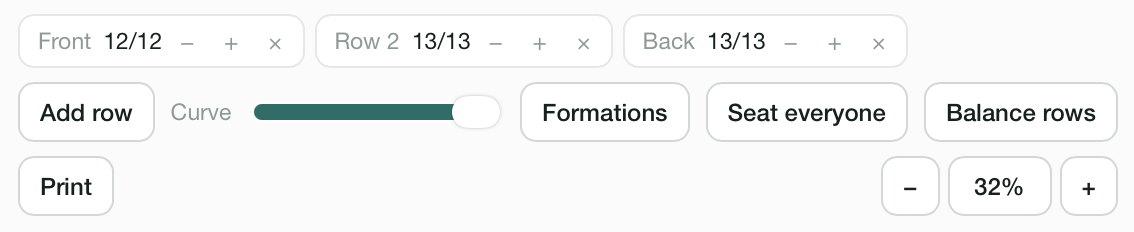
Real screenshots from Jari: the chart, the formation picker, the roster, multiple plans, and the controls that keep rehearsal moving.
Actual app screens · fictional roster

02 · Start with your people
Drop in a roster.
Keep moving.
Upload a CSV, paste a list, or add a singer one at a time. Jari keeps the details tidy.
Import roster
PDF, CSV, Word, or image
03 · Direct the chart
Click a name.
Move the sound.
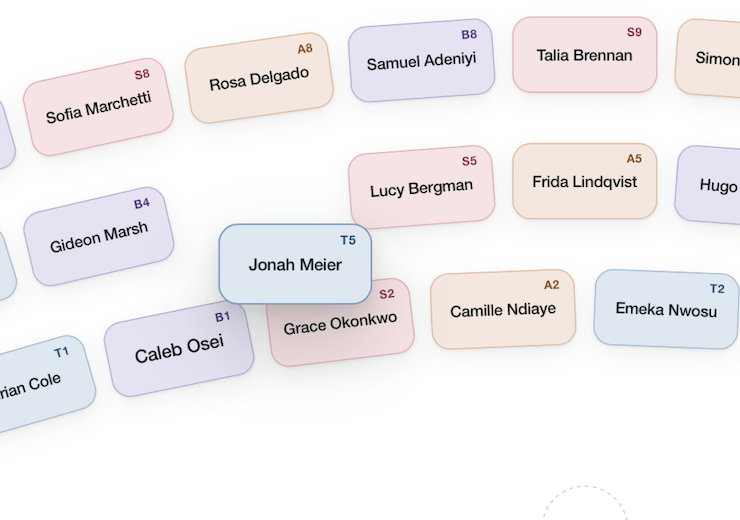
Select any singer and drag them to another seat. You can also use the arrow keys — the chart follows your decision.
04 · Choose your voices
Make the chart
fit the choir.
Switch between SATB, SSA, SSAA, SSAATTBB, SATB divisi, SAB, TTBB, and more. Jari remaps your singers to the closest matching parts.
05 · Find the balance
See the shape.
Feel the difference.
A quick visual check helps every section land where the sound needs it — centered, readable, ready.
Formation balance
Jari Pro
Make room
for the music.
Seating charts, rosters, attendance, and the calm between them.
jari2026.com · Beta release